
FOR 30 DAYS
And if you feel it’s not for you, you can simply cancel it.
240 € (ONE-TIME PAYMENT)
to end the trial
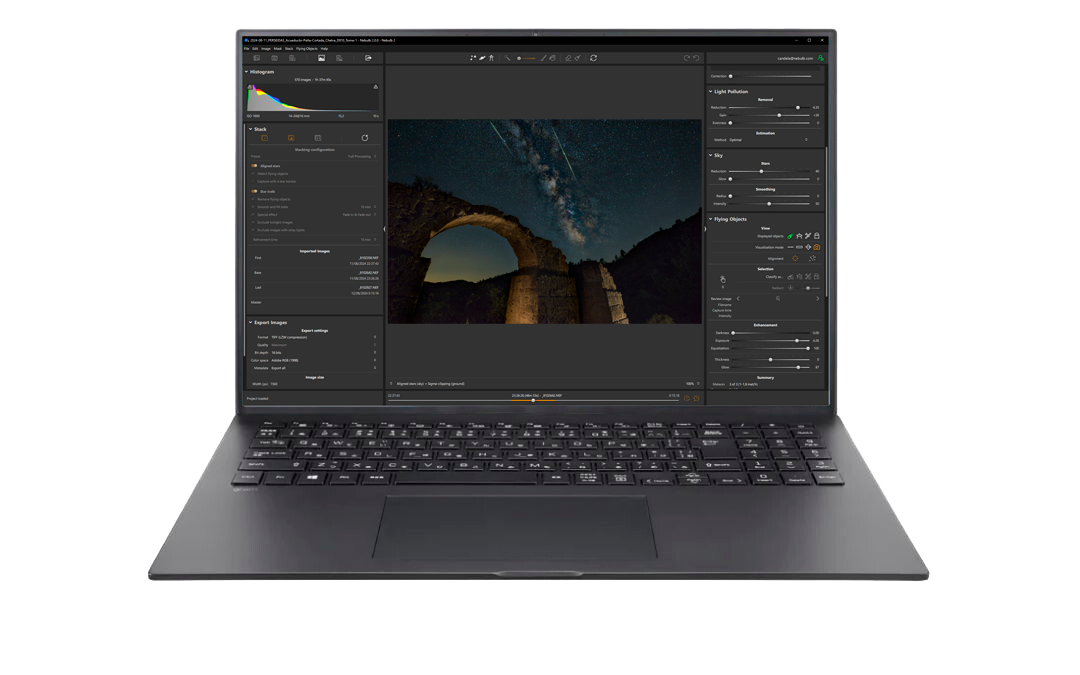


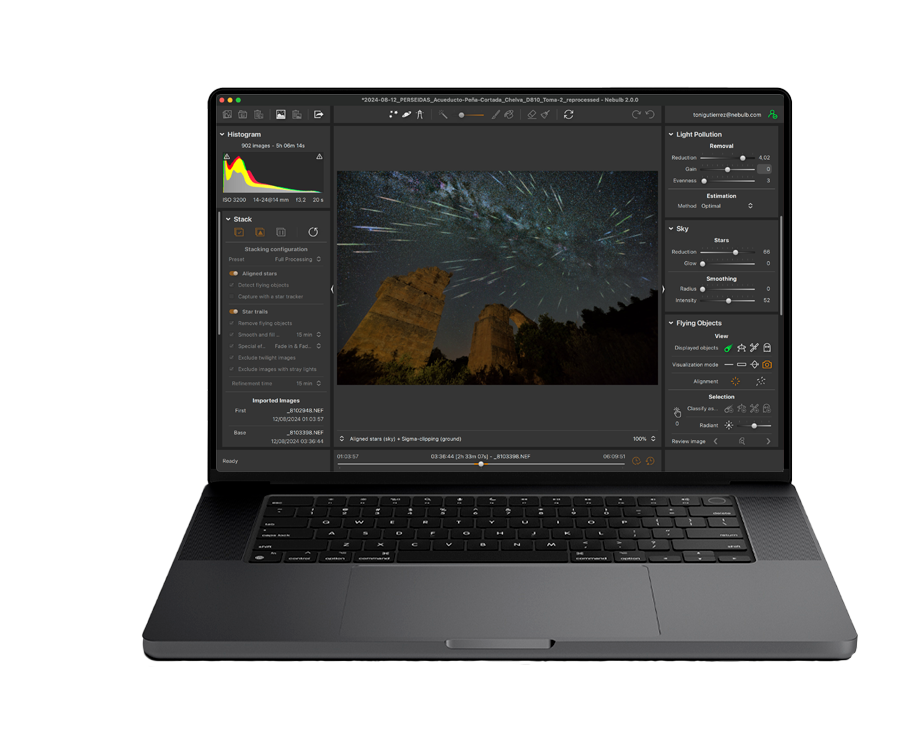
AND WITH THE SAME LICENSE, you can use Nebulb 2:
You can capture the Milky Way almost anywhere
Nebulb removes them for you during photo stacking — no more time wasted on boring tasks
Automatic detection and alignment of meteors with the radiant. One click takes you from chaos to perfect harmony
You can be proud knowing that the photo you see on screen is yours — not a machine’s
Get the most out of your photos, no time wasted on format conversions
A 30-days evaluation license during which you can try Nebulb for free with the same features as the paid license.
After the trial period, if you haven’t cancelled (which you can do yourself at any time), the license fee will be charged and you’ll officially join the Nebulb community.
The Nebulb license is perpetual*, meaning you can use this software for as long as you want (no subscription)
After the trial period ends and you’ve purchased the software, you can use it on up to 2 different devices (Windows + Mac).
The Nebulb license includes 1 year of updates .During which you’ll receive all the new features and improvements added to the software.
Once your update period ends, the software will keep working, and you can renew your license to continue getting the latest updates (annual renewal cost: 49€/year)
You also have access to email support, our support website (where you’ll find all usage information and can submit inquiries), and our community (forum and YouTube channel).
* Future operating system updates, new hardware, or newer camera models may require updating Nebulb to maintain compatibility.
You have 2 options to try Nebulb
* You can select this option when confirming your order with PayPal or Klarna (the companies that provide this service)
Trying Nebulb is free, but out of respect for the huge effort it has taken to develop it and for the people who have already purchased it, access to the trial period requires a minimum commitment from you: showing that if you like Nebulb, you’ll buy it.
If you’re only curious but have no real interest in it, there’s no need to continue.
If you selected the “1. 1-MONTH TRIAL (free)” purchase option, you won’t be charged anything right now.
Only a validation of your chosen payment method will be performed, but no amount will be charged at this time.
In 1 month, if you haven’t cancelled the trial period, the license fee will be charged and you’ll officially become a Nebulb user.
The payment platform (Stripe) shows the text “price/month” by default, but in this case the product is set up as a one-time payment. It’s just a visual label from Stripe:
👉 You’re only charged once, no subscription or recurring payment is created.
You have 2 months to try Nebulb, and if during that time you find it’s not the right tool for you, you can cancel your order and no charges will be made.
You can cancel it yourself from the website, or if you prefer, just send an email to support@nebulb.com and we’ll handle the cancellation for you (no questions asked, no hassle at all).
If you selected the “2. DIRECT PURCHASE” option, simply email support@nebulb.com and we’ll process your refund (no problem).
If you choose the “2. DIRECT PURCHASE” option and select PayPal or Klarna as your payment method, you’ll be able to choose payment in 3 interest-free installments (when confirming your order in your PayPal or Klarna account).
This is a service offered by PayPal and Klarna, not Nebulb, but as a buyer you can take advantage of it — which is why I’ve included it here.
Just keep in mind, PayPal or Klarna will charge the first installment right when you confirm your order (that’s how their system works).
Even so, you’ll still have 3 months to try Nebulb, and if you find it’s not for you, just email support@nebulb.com and we’ll refund your money (no problems, no questions).
The goal of the trial period is to help you decide whether this software is useful for you — not to fully master it. At the moment, the trial period is 30 days, which we believe is more than enough to find out if Nebulb is right for you.
Also, to prevent possible misuse of evaluation licenses, only one trial license can be used on the same PC.
So, the answer to the question is: no.
Nebulb will continue to work exactly as it does now, since your license is perpetual. However, you won’t receive any new features or improvements released after your update period ends.
When the time comes, you can simply renew your license to keep enjoying all the latest updates and enhancements
The cost of renewing the license will be €49/year, which will allow you to enjoy 1 more year of updates (renewable as many times as you want).
Absolutely. As soon as the license fee is processed, we’ll send your invoice by email.
IMPORTANT: Please double-check your billing details so your invoice is issued correctly
We only need your billing details if you require a purchase invoice. If not, you can enter any information in those fields
Most importantly, make sure your email address is correct, as your Nebulb license is tied to it.
The price of Nebulb includes taxes (which are automatically calculated based on the address you provide).
The price of Nebulb includes taxes (which are automatically calculated based on the address you provide).
You can install and use Nebulb at the same time on up to 2 computers — Mac or Windows
The Nebulb license is linked to a specific email address and can be installed on up to 2 different devices.
Once you confirm your order, we’ll email you the download link, a quick start guide to get you up and running with Nebulb, and full access to all the software documentation
Yes.
Nebulb offers an online support center packed with everything you need: full documentation, quick-start guides, FAQs, and even the option to open a support ticket if your question isn’t covered. You’ll get access to the support center as soon as you confirm your order.
And because Nebulb is designed to be super easy to use, you can also check out our YouTube video tutorials. The learning curve is short — after the very first video, you’ll probably be ready to start using Nebulb and seeing results right away.
Nebulb has a support center where you’ll most likely find the answer to your question or the solution to your problem, since it contains all the software documentation and a frequently asked questions section.
And if you can’t find it (or it’s not covered), you can open a support ticket or send an email to support@nebulb.com.
Nebulb is compatible with:
Windows: 10 & 11 (64-bit)
macOS: 12 or later (Intel and M-series)
Yes! The days when Nebulb was only for Windows are long gone, now you can enjoy it on both Mac and Windows
Nebulb is compatible with the vast majority of RAW formats (including those from the newest cameras and Fuji’s somewhat special ones), so it’s almost certain you’ll be able to open your camera’s RAW files directly in Nebulb.
Yes, Nebulb can also import standard image formats like JPEG and TIFF (8-bit or 16-bit).
It mostly depends on your photo resolution, bigger images need more resources. Nebulb isn’t (and doesn’t try to be) as fast as general photo editors, but if your computer edits your photos without trouble, it should run Nebulb just fine.
And remember, you can test this for yourself during the trial period
The truth is, it’s hard to label Nebulb as expensive or cheap because it’s a unique piece of software (I haven’t found anything like it, or even similar). To me, it’s inexpensive for everything it lets you enjoy in landscape astrophotography, but if you feel it’s expensive, then don’t buy it. Honestly, there’s not much more I can say.
Well, honestly, considering everything it’s allowed me to enjoy in landscape astrophotography, I do think it’s cheap, absolutely.
I’m as happy as can be with it.
Then just send an email to support@nebulb.com with your question, and I’ll reply.
Easy, easy , just like everything in Nebulb.